KNOWLEDGE_BASE
// OSINT FAQ
> Key guidance for using public-information research tools carefully, accurately, and within an authorized scope.
01 // What Is SpiderFoot.tools?
SpiderFoot.tools is an independent browser-based OSINT service for researching publicly available information. It is a third-party service, not the SpiderFoot open-source project. Read more about the service and its operating standards on About.
02 // How long does a full scan take?
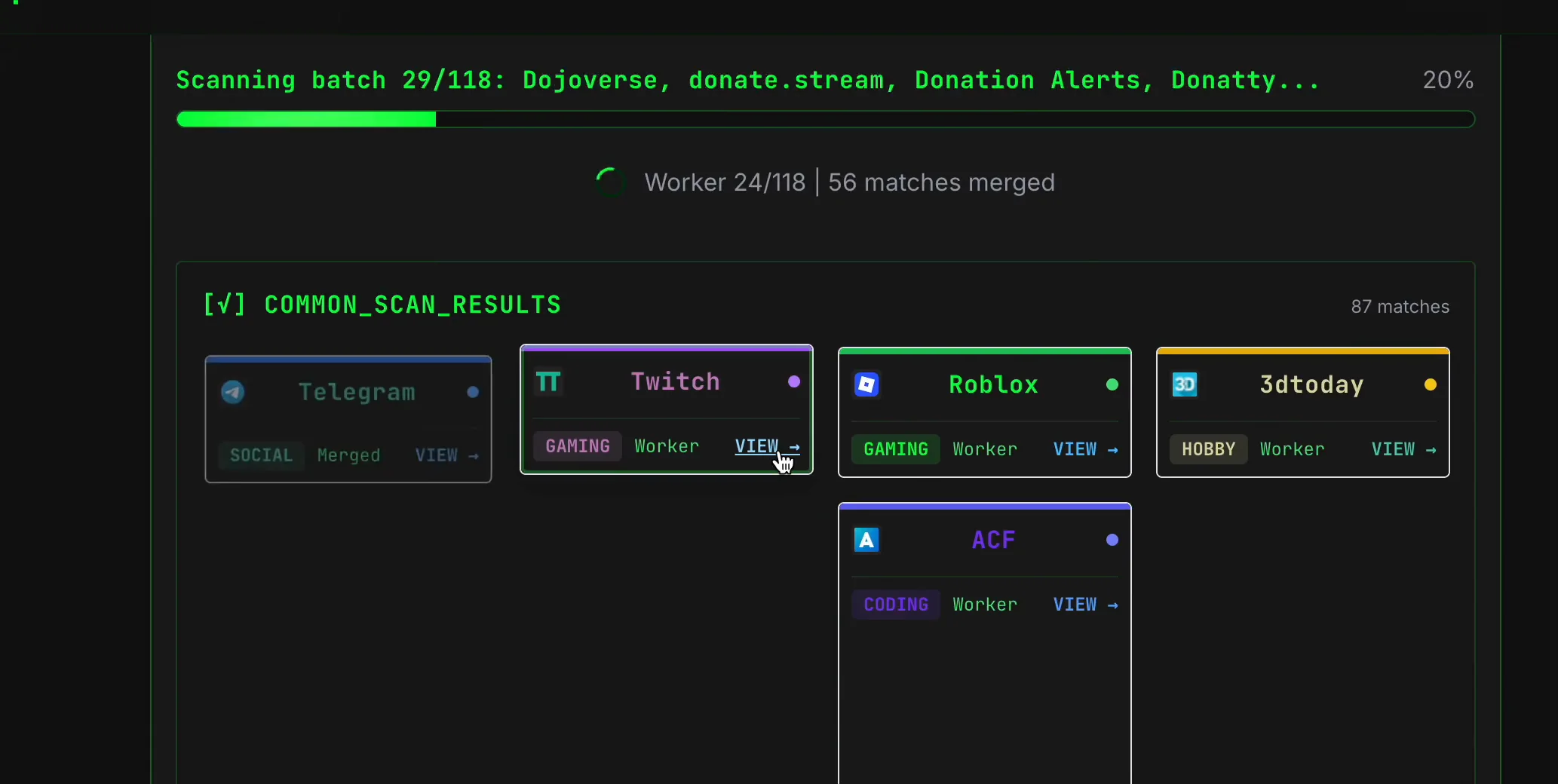
A full username scan usually takes about 120 seconds (2 minutes), while a full email scan takes about 60 seconds (1 minute). These are estimates; scans may take longer during busy periods as more people scan at the same time.
The username workflow covers more than 2,500 sites across 15+ categories, so checking this volume takes time. Read our methodology to learn how scans run and how coverage is handled. We are continuing to optimize scan performance and increase server capacity to shorten wait times.
03 // How should I read and verify results?
Treat every result as a research lead. Review the original source, compare independent evidence, check dates and context, and separate observed facts from inference. Our methodology explains the verification approach in more detail.
04 // Can a match be a false positive?
Yes. Shared usernames, stale records, copied content, and incomplete third-party data can all produce misleading matches. Do not use one result, an AI summary, or a public profile as proof of identity, ownership, intent, or wrongdoing.
05 // What data sources are checked?
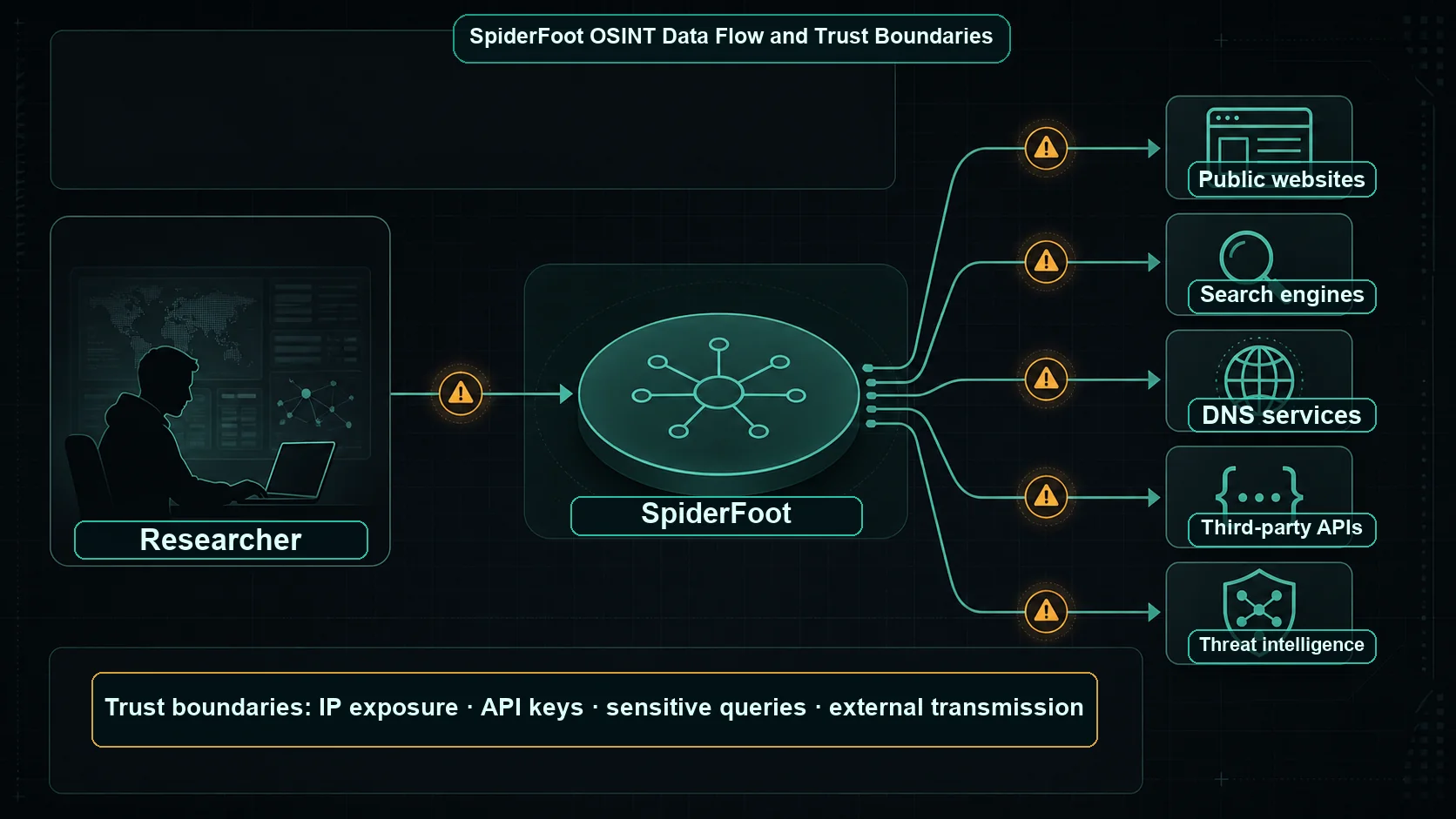
Available checks depend on the input type, feature availability, and third-party source status. They may include public websites, indexed pages, profile services, and network-context providers. A source being queried does not make its output complete, current, or conclusive.
06 // How are privacy and retention handled?
Search inputs and limited technical metadata may be retained to operate features, prevent abuse, and provide research-history continuity. Submit only information you are authorized to investigate and review the Privacy Policy before using the service.