A Privacy-First OSINT Self-Audit for Remote Workers
A practical self-audit for remote workers who want to understand their public footprint while keeping work and personal identity boundaries intentional.
Remote work makes public context more consequential. A professional profile, a conference post, a support bio, and an old personal account can combine into a surprisingly detailed picture. A privacy-first self-audit is not about disappearing; it is about deciding which public connections are useful and which ones are no longer necessary.
Map your intended public presence
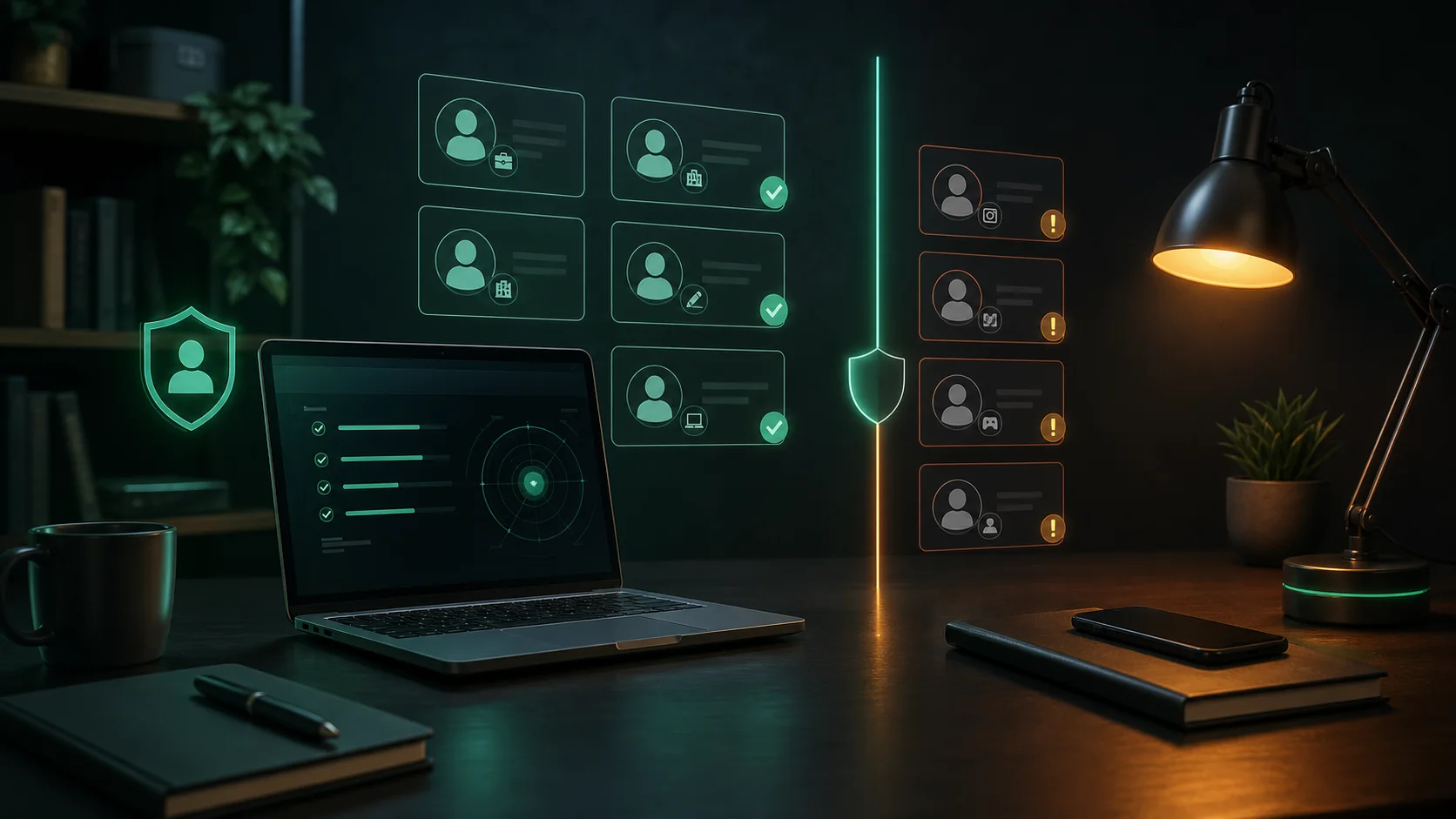
Write down the public identity you want colleagues and customers to find: official work profile, approved contact route, portfolio, or professional network. Then list the places where your work and personal information may overlap: reused usernames, old bios, public calendars, photos, and links.
Review the connection points
| Connection point | Question | Possible action |
|---|---|---|
| Username reuse | Does one distinctive handle join unrelated accounts? | Use a separate account name where separation matters. |
| Contact details | Is an old email or phone reference still public? | Remove, replace, or route it through an approved contact method. |
| Images and bios | Do they reveal more location or personal context than intended? | Refresh privacy settings and public fields. |
| Old accounts | Are they maintained and protected? | Keep, limit, update, or close them deliberately. |
Use tools as a starting point
A SpiderFoot.tools username or email search can surface public leads for an approved self-audit. Treat results as pages to review, not ownership conclusions. A matching handle may be unrelated, and a missing result does not prove an account is gone or private.
Make changes proportionately
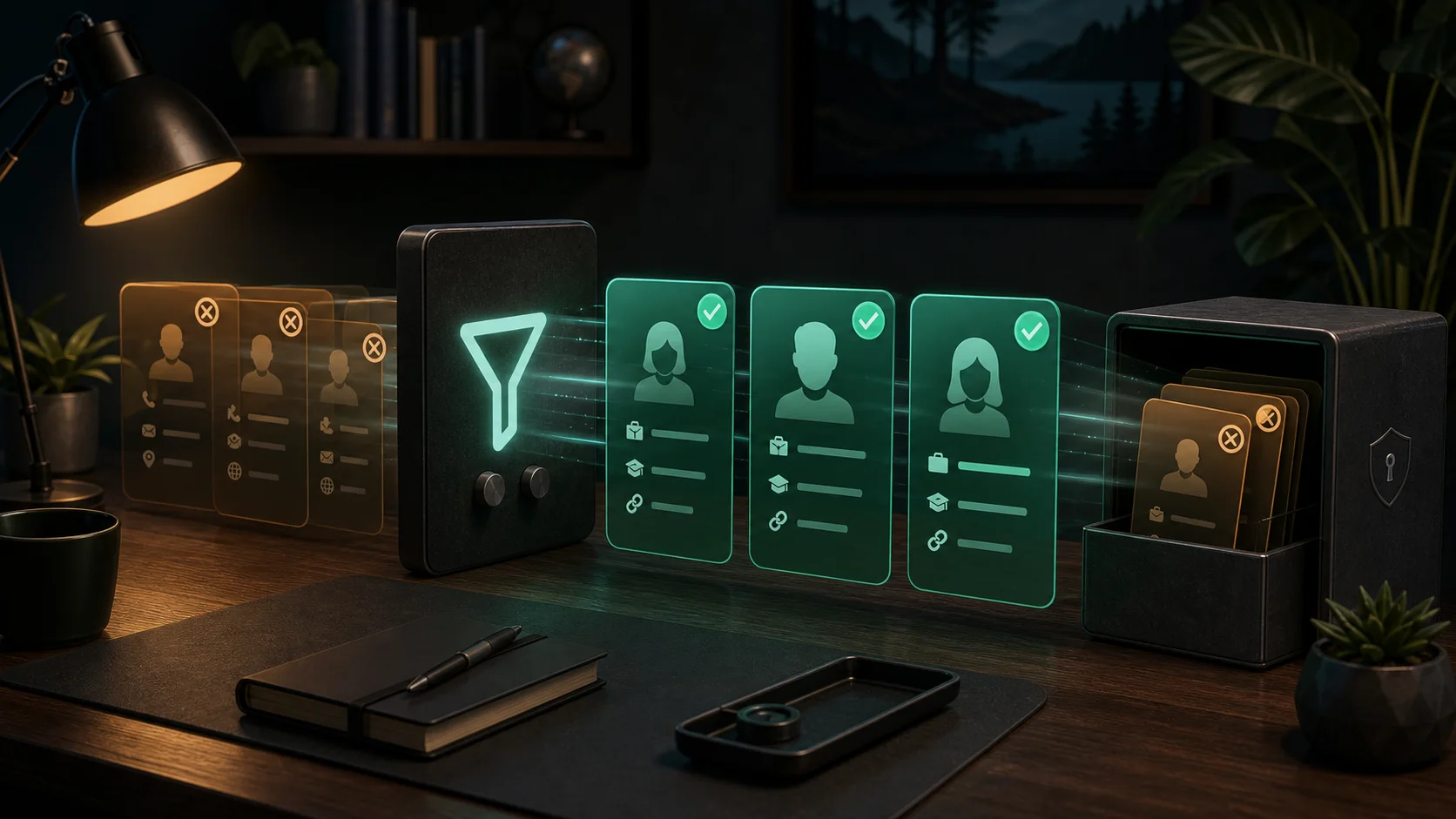
Prioritize the items with the highest impact: public recovery details, unattended accounts, unnecessary location references, and reused profile images. Use unique passwords and multi-factor authentication for accounts you keep. If your employer has guidance for public profiles, follow it rather than improvising a new public identity.
Revisit the audit after a role change, relocation, major project announcement, or account closure. Privacy is a maintenance practice, not a one-time cleanup.
// USEFUL_INTEL?
Signal that this research note was useful.