Securing Account Recovery Information Against OSINT-Enabled Social Engineering
How to review account recovery exposure, reduce public social-engineering clues, and build a recovery process that is harder to misuse.
Account recovery is often the quietest path into an otherwise well-protected account. A strong password and multi-factor authentication can be weakened if an attacker convinces a support agent or recovery flow that they are the account owner. Public biographical details, old contact routes, and predictable security answers can give a social engineer material to sound credible.
Treat recovery as a separate security perimeter
Inventory the recovery methods for important accounts: email addresses, phone numbers, backup codes, trusted devices, hardware keys, support contacts, and identity-verification procedures. Ask which factors are independent. If every recovery route depends on the same mailbox or mobile number, one compromise can cascade across the account set.
SpiderFoot.tools can be useful for a bounded self-review of public email, username, domain, or contact exposure. Use it to identify publicly visible references that should be removed or updated, not to collect personal context about other account holders.
Reduce public clues that are easy to reuse
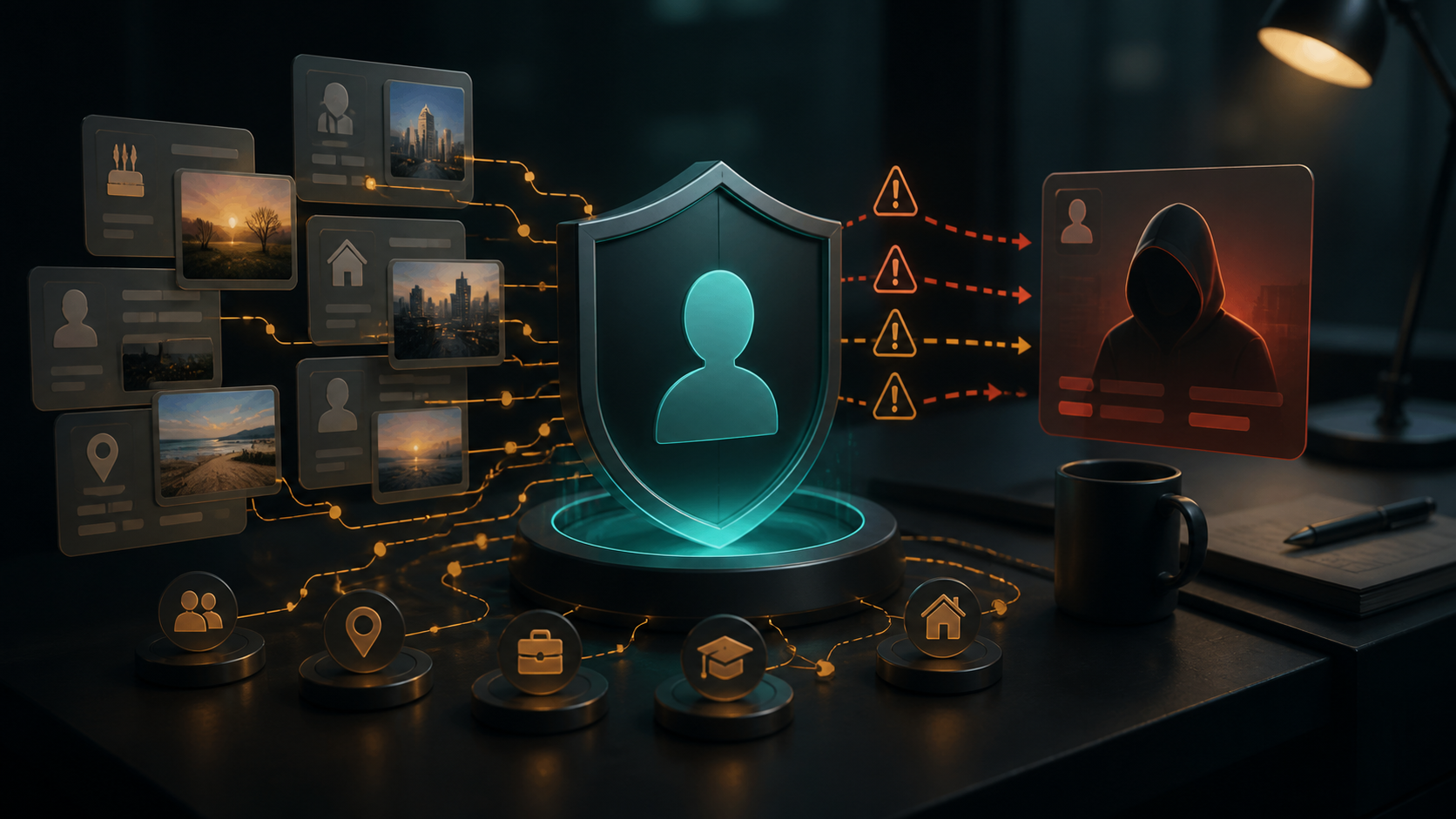
Review public biographies, old posts, event pages, and profiles for answers that overlap with recovery prompts: birth dates, past addresses, schools, pets, family names, or former employers. The goal is not to erase a public life. It is to avoid using public facts as proof of account ownership. Where a service still uses knowledge-based questions, choose responses that are unique and store them safely in a password manager rather than answering with real public facts.
| Recovery weakness | Defensive improvement |
|---|---|
| Shared email for many accounts | Protect it strongly and use a separate, hardened recovery mailbox for critical services. |
| Old phone number still listed | Remove it from accounts and public pages; confirm carrier and account contact updates. |
| Public facts used as answers | Replace with unique stored responses or choose a provider with stronger factors. |
| Unclear support procedure | Document a verified support route and the approval steps for high-risk changes. |
Prefer independent, phishing-resistant factors
Where available, use hardware security keys or passkeys, recovery codes stored offline, and separate verified contact methods. A factor is more useful when it is not exposed through the same compromised device or mailbox. Review trusted devices and old sessions periodically, especially after changing phones, jobs, or service providers.
Be cautious of alerts claiming that a recovery request is already in progress. Open the service through a known bookmark or official app, not through a link in the message. Contact support only through a route you have independently verified. An urgent recovery warning is a common place for phishing to imitate a genuine security process.
Make support interactions harder to manipulate
For shared or business accounts, define who can approve a recovery change, what records are required, and how support communication is verified. Avoid publishing internal escalation names, direct mobile numbers, or operational hints in public team pages. Train staff to treat unexpected identity-verification requests as a security event, not a routine customer-service task.

Test your own recovery plan safely
Practice recovery only on accounts you own and only through ordinary provider flows. Confirm that backup codes are available, trusted contacts are current, and old devices cannot approve a change. Record gaps, fix them, and review again after major life or role changes. If a provider cannot offer adequate recovery controls for a sensitive account, consider whether it is the right service for that account.
Good recovery security is quiet preparation. It removes predictable public clues, relies on independent factors, and gives legitimate owners a clear path that is difficult for a stranger to imitate.
// USEFUL_INTEL?
Signal that this research note was useful.